Analyze
One button starts the analysis of your modules. Each shows its results as soon as it finishes.
CleanerApp
Duplicate photos, contacts, email, calendar and storage: CleanerApp finds what clutters your iPhone and analyzes everything right on your device.
One button starts the analysis of your modules. Each shows its results as soon as it finishes.
You see what was found, in clear groups, before a single item is touched.
You confirm, the space is recovered. Every deletion is also confirmed by iOS.
A health score and the recoverable space give you the full picture, then each module takes you straight to the point.
Modules
Media
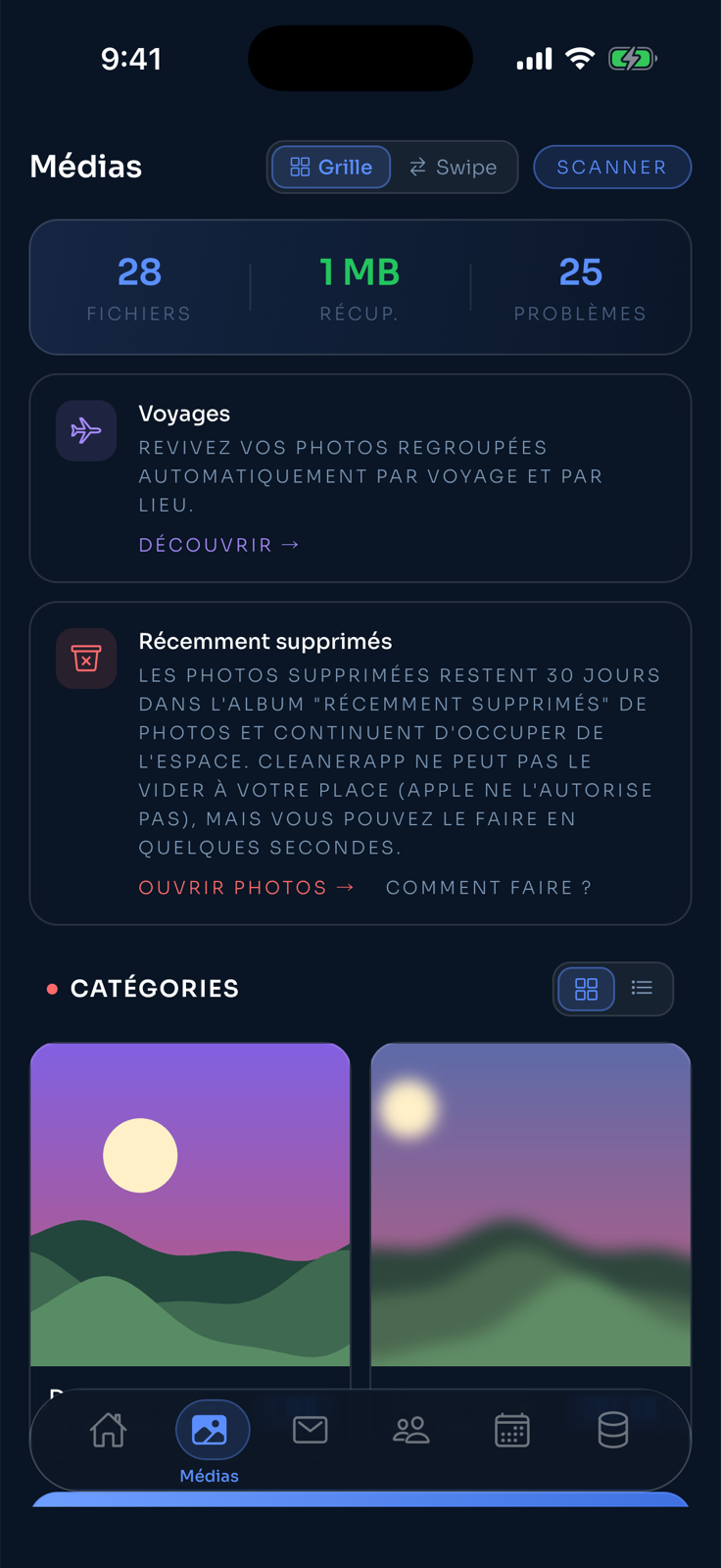
CleanerApp groups duplicates and similar photos, and spots blurry photos, screenshots and large videos. You review, then you delete.
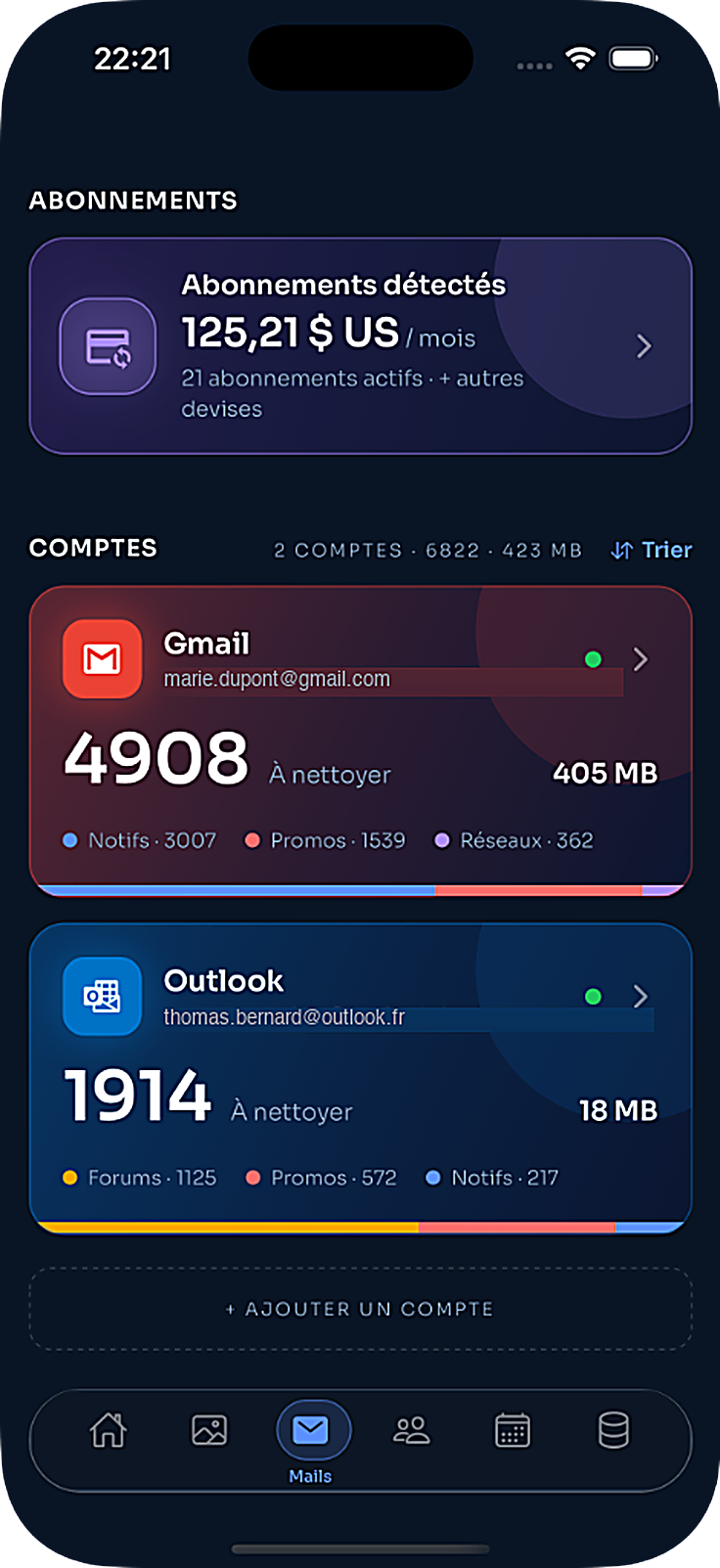
Optionally connect your Gmail, Outlook or other email account (Yahoo, iCloud…): CleanerApp sorts ads and newsletters, offers unsubscribing and detects recurring paid subscriptions. Analysis happens on your iPhone.
Contacts
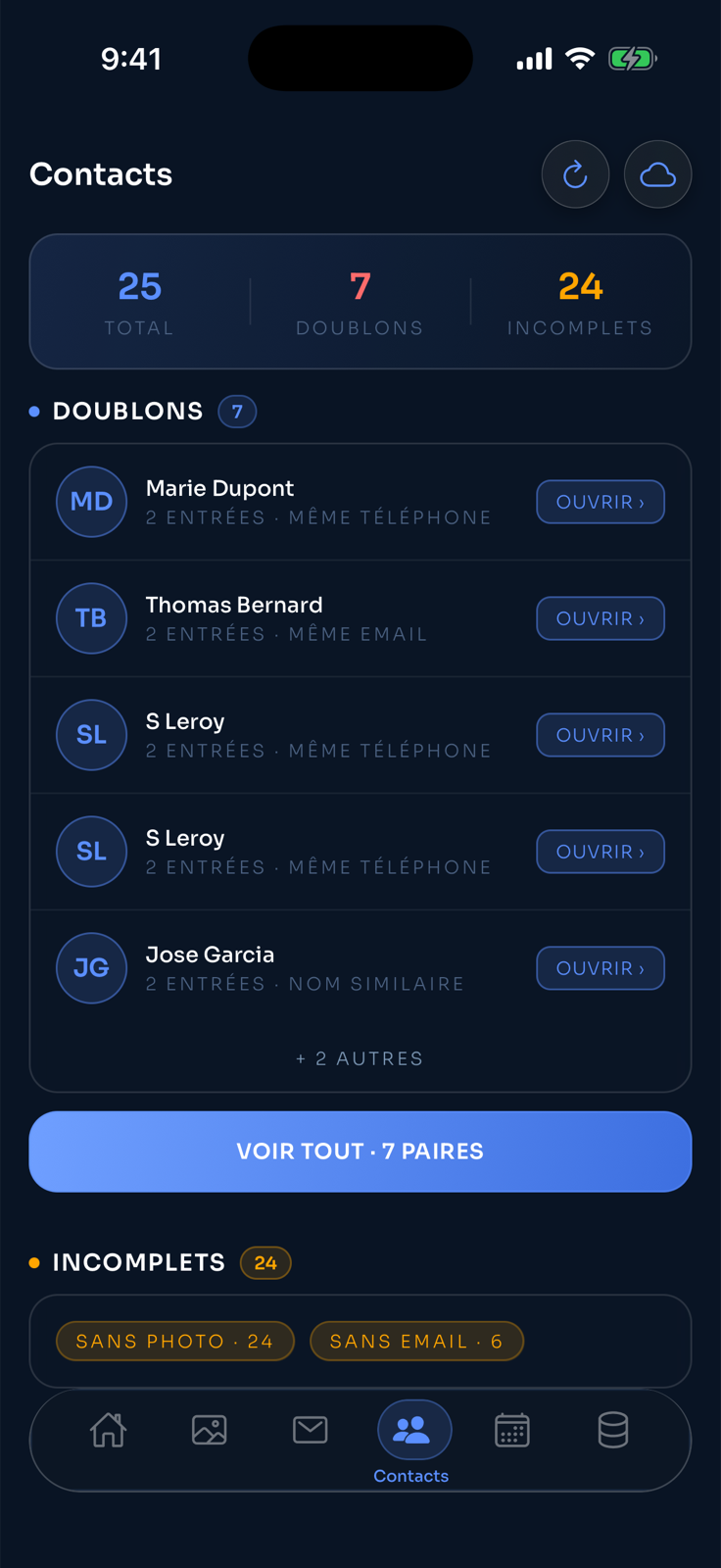
Duplicates spotted by phone number, email or similar name, along with incomplete entries. Every merge is confirmed by you before it is applied.
Calendar
CleanerApp reads your calendar to spot duplicate, canceled or past events. Nothing is changed without you knowing.
Illustrative screen — App Store screenshots coming soon.
Storage
See what fills your iPhone and the recoverable space by category. An encrypted vault protects your most sensitive photos.
Contacts
CleanerApp spots duplicate contacts by phone number, email or similar name, along with incomplete entries. You decide on every merge.
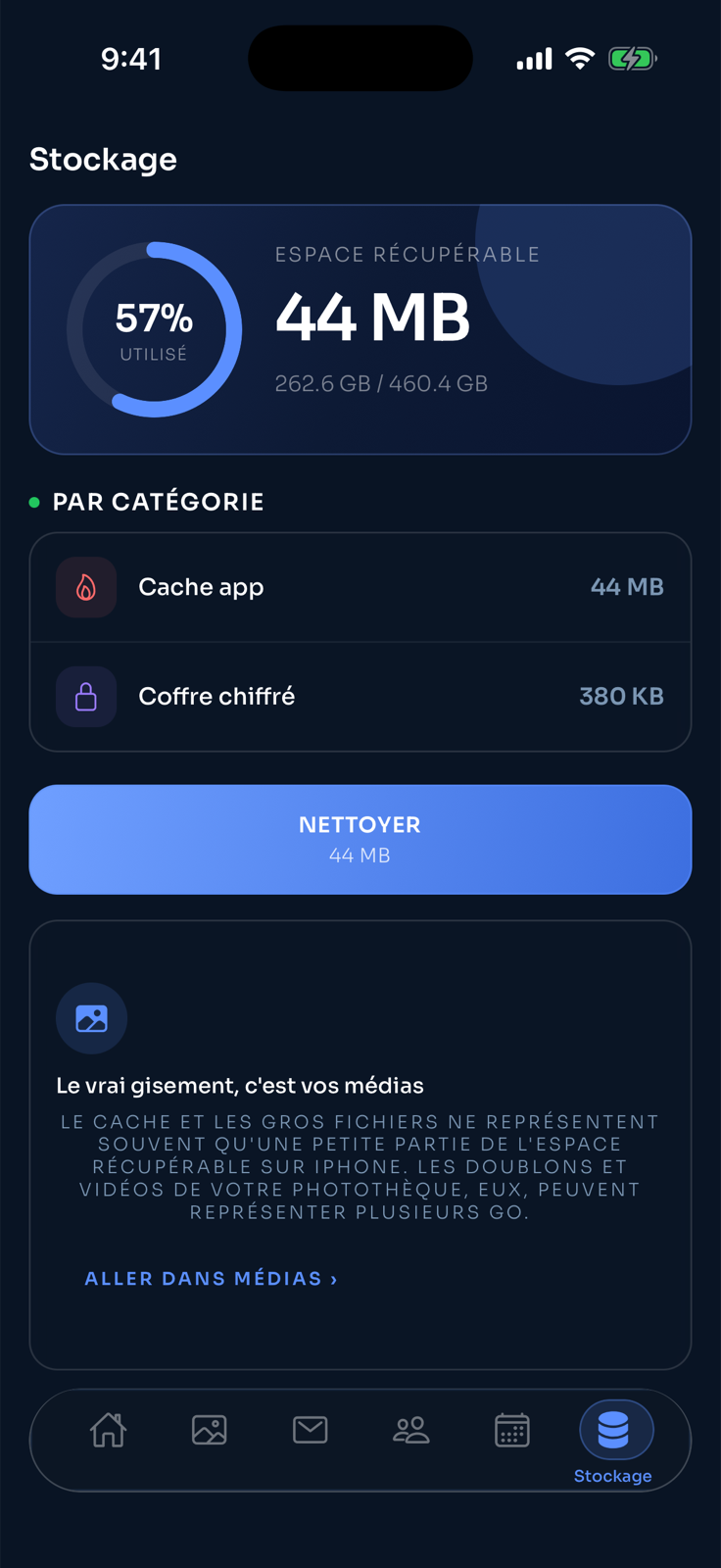
Storage
See what fills your iPhone and the recoverable space by category. One button clears the app cache; the real gain is often in your photos and videos.
Media
CleanerApp groups duplicates and similar photos, and spots blurry photos, screenshots and large videos. You review, then you delete.
Optionally connect your Gmail or Outlook account: CleanerApp sorts ads and newsletters, offers unsubscribing and detects recurring paid subscriptions. Analysis happens on your iPhone.
Illustrative screen — App Store screenshots coming soon.
Calendar
CleanerApp reads your calendar to spot duplicate, canceled or past events. Nothing is changed without you knowing.
Illustrative screen — App Store screenshots coming soon.
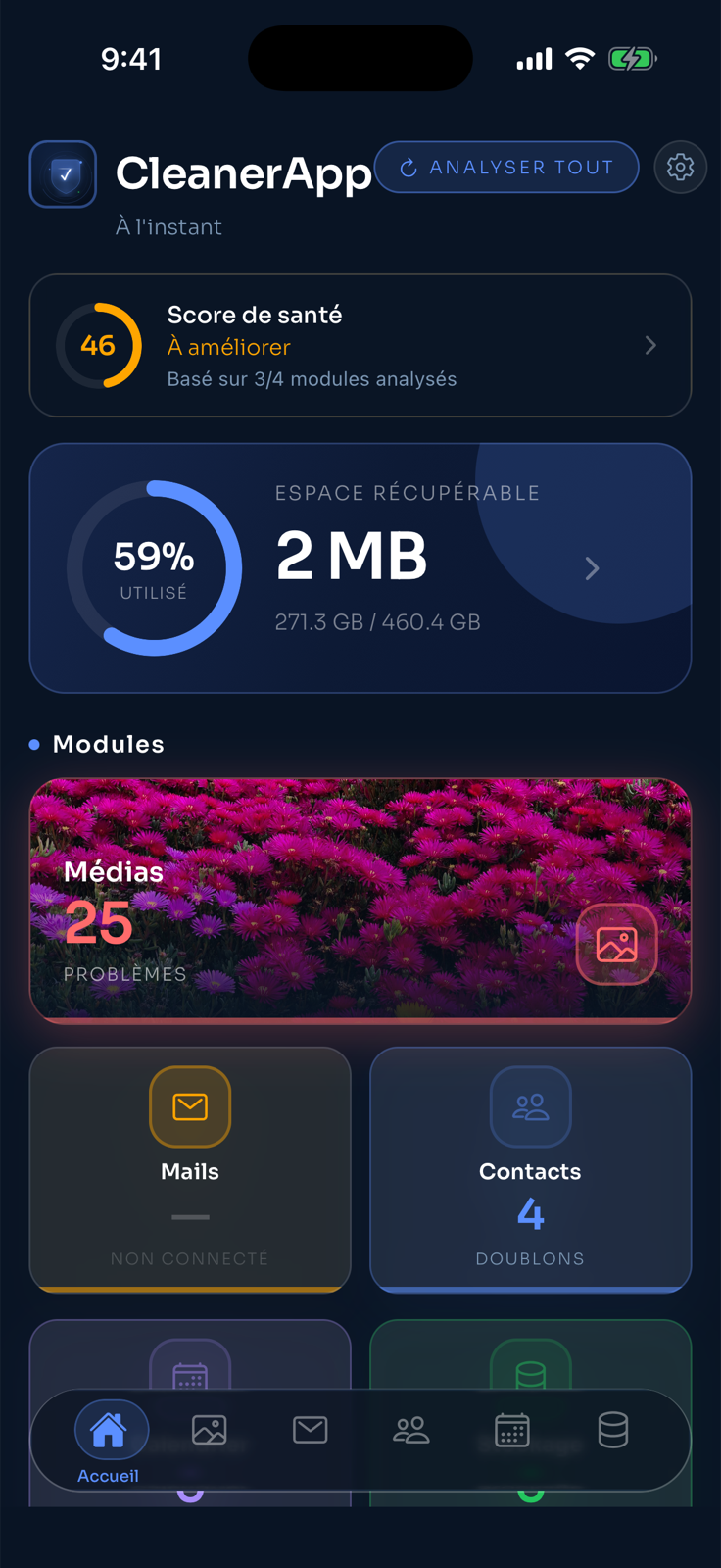
A single score and the recoverable space right when you open the app — even before running a scan.
Home
Calculated from the modules already scanned, the health score sums up your iPhone’s state in one number. Recoverable space and a preview of every module follow right below.
Real app screenshot, on a demo iPhone.
iOS Widget
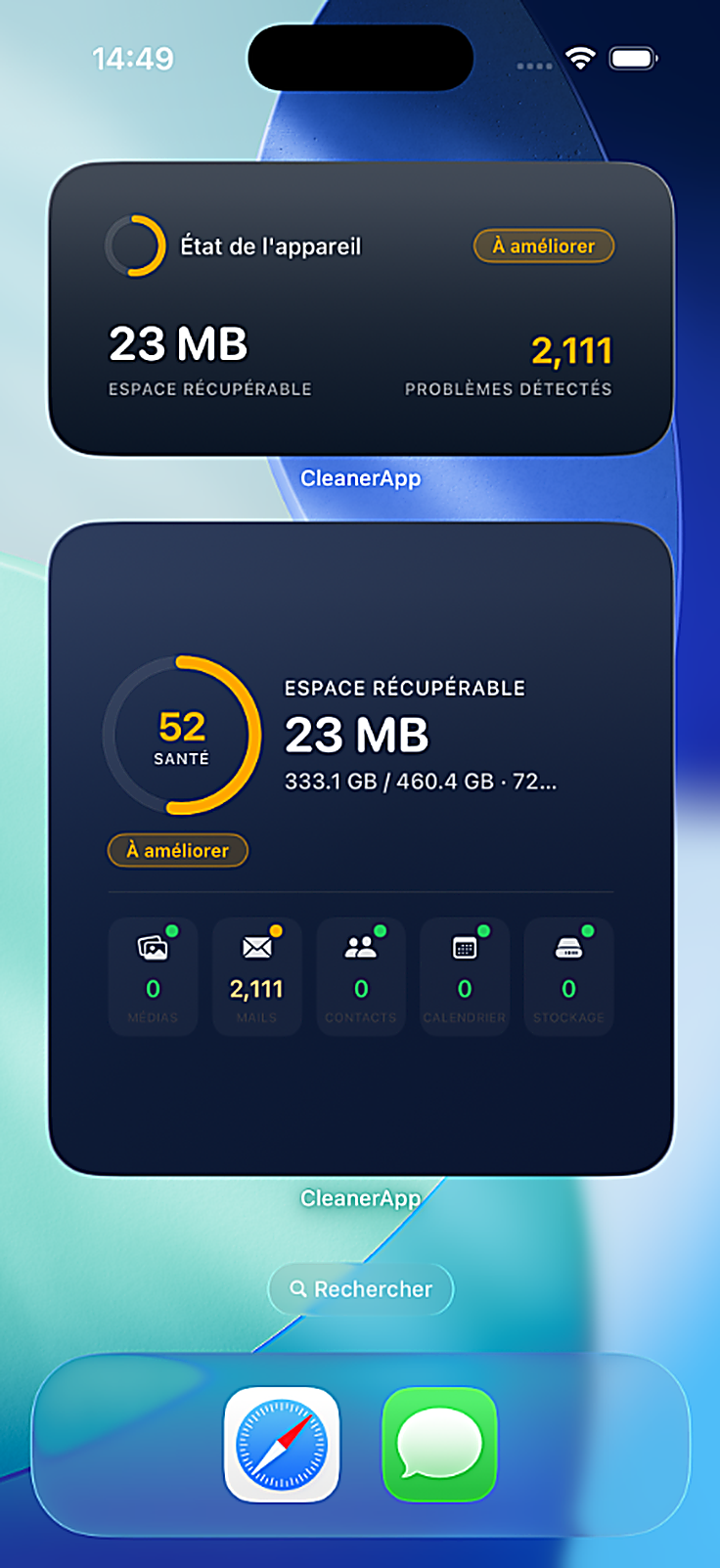
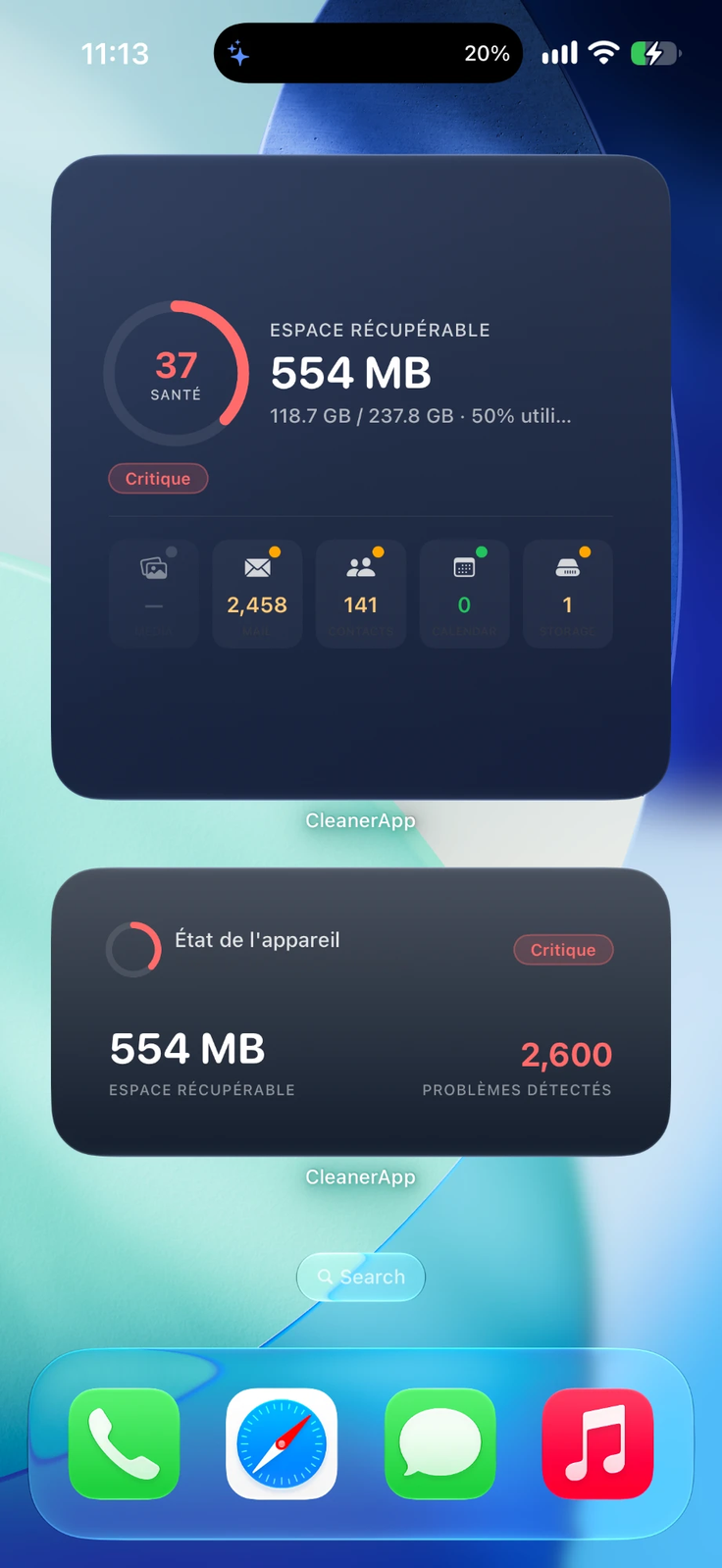
Health score, recoverable space, detected issues and the breakdown by module — three sizes, so you choose what matters most.
Smart notifications
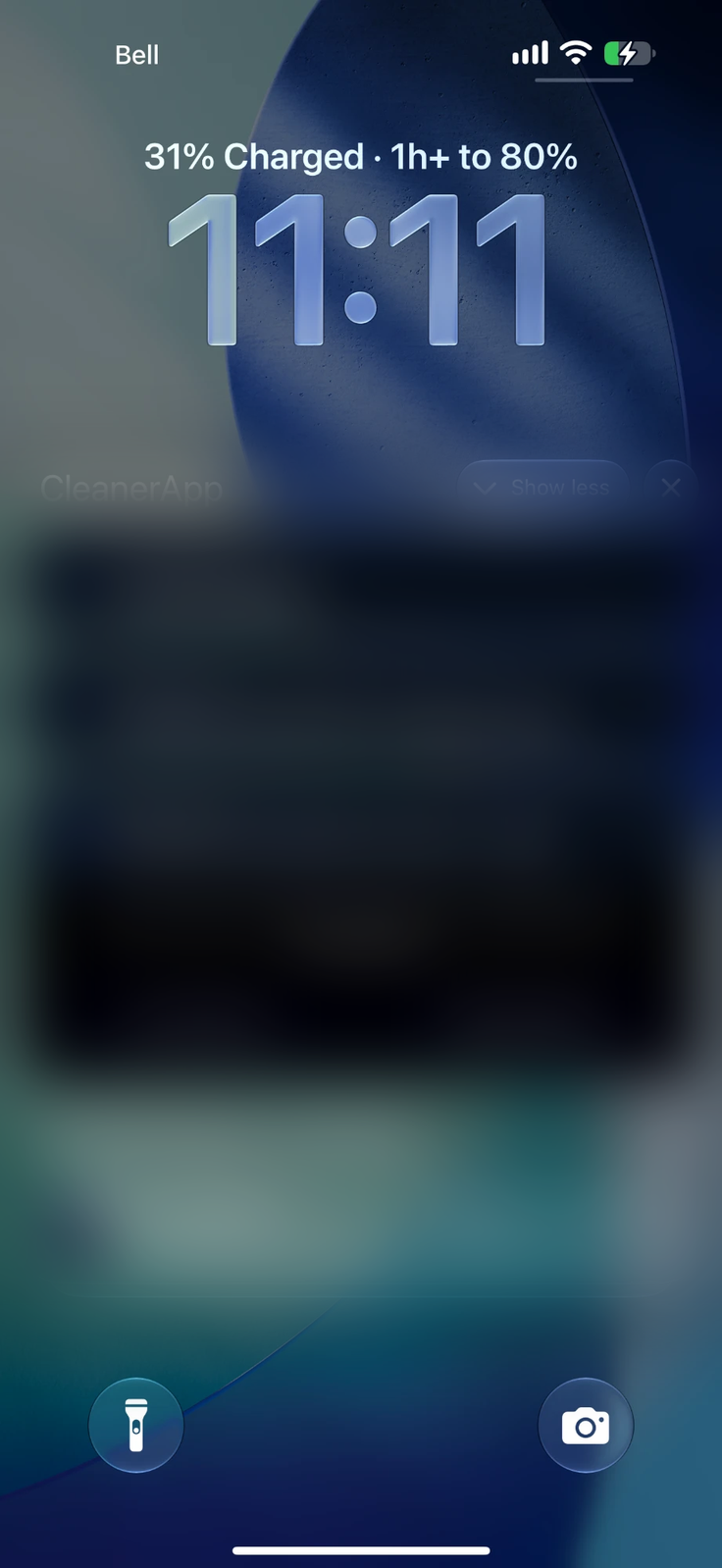
A discreet notification when a scan finishes or space becomes recoverable again — never more than once a week.
Dynamic Island
During a scan, the Dynamic Island shows live progress — one glance is enough, even from another app.
CleanerApp speaks 14 languages, from the interface to the confirmation messages. You pick the language in the app, whenever you like.
Arabic is displayed right to left, as the language requires: the whole interface is adapted.
Encrypted vault
Put photos and videos in an optional vault: they are encrypted (AES-256-GCM) and protected by Face ID or the device passcode. The key is created on your iPhone and never leaves it.
CleanerApp was designed with a single rule: what is yours stays yours.
Photos, contacts, calendar and email are analyzed right on your device.
No file, contact, event or email is copied, sent or kept by us.
Merges and deletions only happen at your request, with confirmation.
Only the necessary permissions are requested, and you can revoke them at any time.
The Mail module is optional: it connects to your Gmail, Outlook or other email account (Yahoo, iCloud…), but the analysis stays on your iPhone. A few limited third-party services (crash reports, in-app purchases) receive minimal technical information. Privacy policy
Pricing will be confirmed at launch on the App Store.